
Adding GPT Image 2 to Finite Canvas and my blogging system
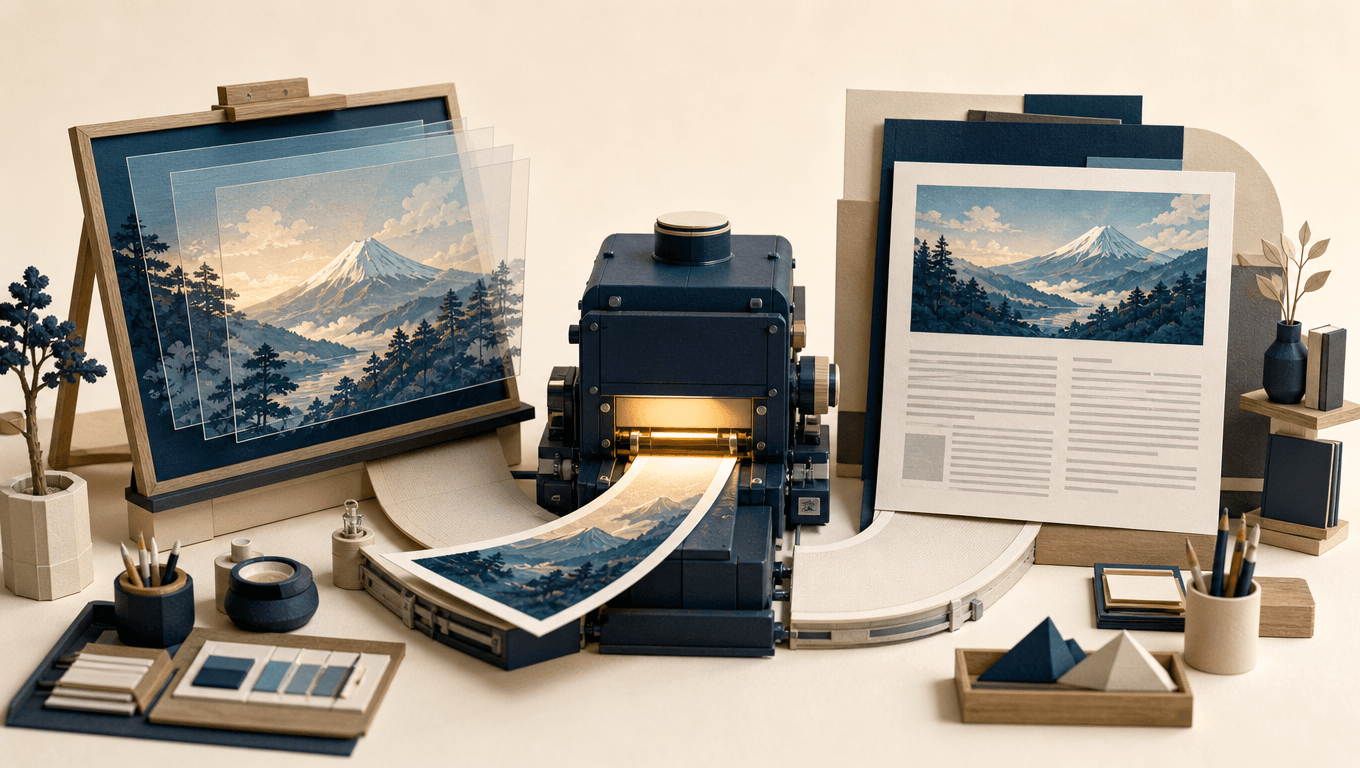
I added GPT Image 2 to my backend today. Finite Canvas and the blogging assistant can now use it through the same service.
One immediate use is making header images for post but there a wide array of applications. GPT Image 2 can generate illustrations, make images with readable text, edit an existing picture and combine elements from several images. Transparent backgrounds are useful for objects that will become layers in a composition. In Finite Canvas that means users can work with source images, arrange them and ask the model to bring the result together.
I implemented this in the unified miraidb backend. There is one image service, a catalogue describing the available models and their capabilities, and separate adapters for OpenAI and Google. The OpenAI adapter handles generation and editing, including converting an aspect ratio into the pixel dimensions the API accepts.
Finite Canvas calls the service through its own server. The blogging MCP server calls it too, then uploads the result into the correct blog's storage and returns the image path. Provider keys stay on the backend. Each application authenticates with its own secret, and the backend checks which providers and how many images it can request.
I built this with Claude and have now connected (Chat GPT) Codex to the same blogging MCP server. My goal is to make writing blog posts easy using both Claude or Chat GPT.
For examples of what to ask the model, see OpenAI's image generation prompting guide.
コメント
まだコメントはありません。最初のコメントを書いてみませんか。